

Boost remote
collaboration
with your
favorite pencils
and papers
Your new collaborative remote creation tool.


Keep the pleasure of creating with your favorite pencils and papers.
With Repaper, enjoy creative moments using your favorite drawing tools (pencils, markers, pens,...) and even your own paper.

Optimize your time, free yourself from distances.
A true collaborative work tool, Repaper allows you to enrich your creations with your colleagues, customers and partners. Your sketches, drawings and diagrams appear in real time on your screens.

Enhance your projects with Repaper Stylus.
With Repaper Stylus, carry on the experience. Optimize and perfect your creations with your favorite design software. Your creations come to life!
They talk about us


How does it work?
Connect Repaper to your computer, tablet or smartphone.
Slip Repaper Ring on your favorite pencil, attach any sheet of paper to Repaper.
Start drawing, and let the magic happen. Your creation comes to life on screen!
With your pencil...


...and your paper.


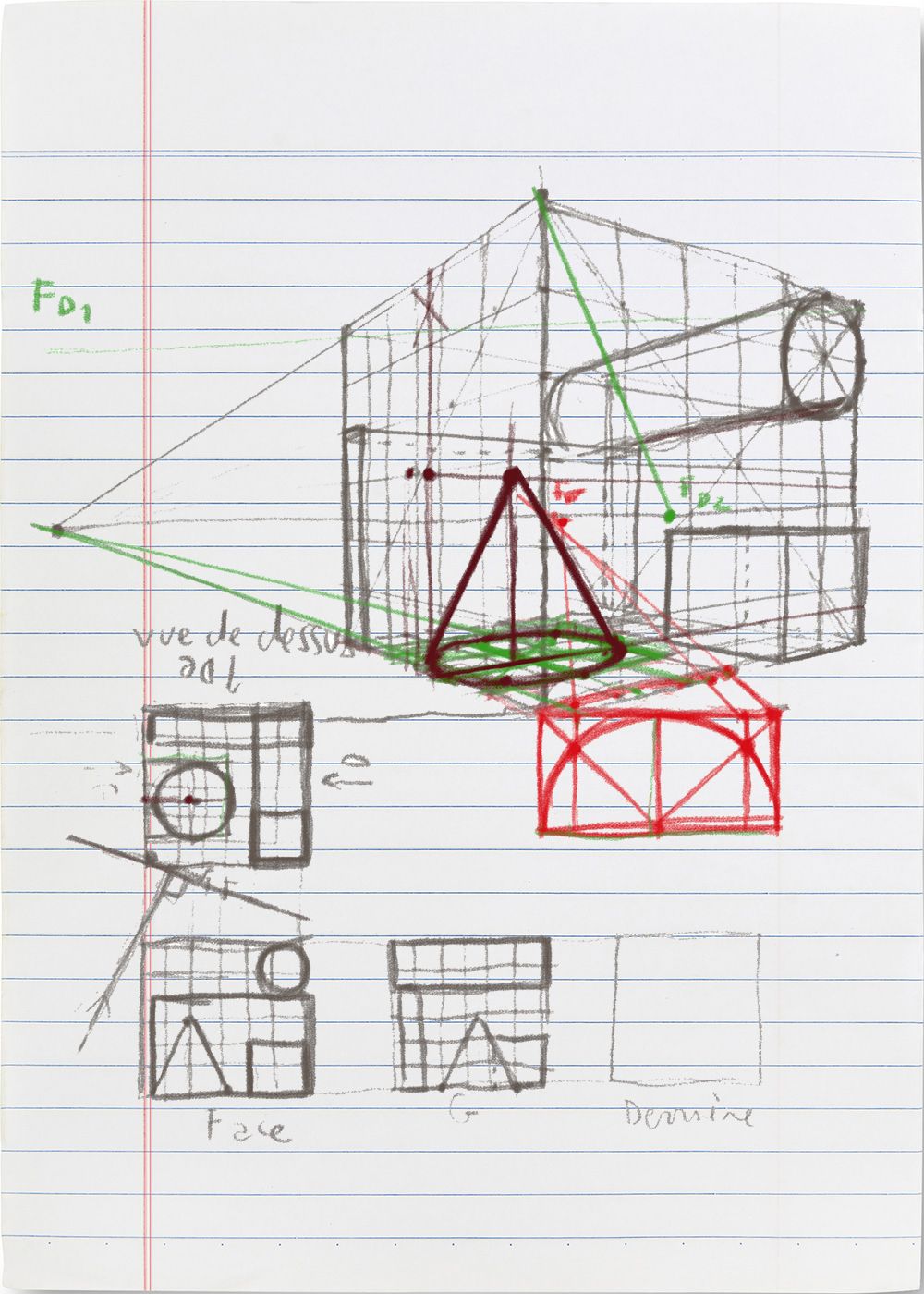


Repaper Studio, bring your ideas to life

Create with your favorite software
Build your projects with your favorite professional and creative software.
All software compatibilities





Collaborate remotely with your favorite pencils and papers
Make your creative projects grow step by step with your customers, colleagues, suppliers... with your regular videoconference setup.
All the functionalities


Our partners

Newsletter
Keep up to date with iskn news and events.
Email tracking details in our Privacy Policy.