
The simplicity
of pencil on paper.
The power
of a graphics tablet.
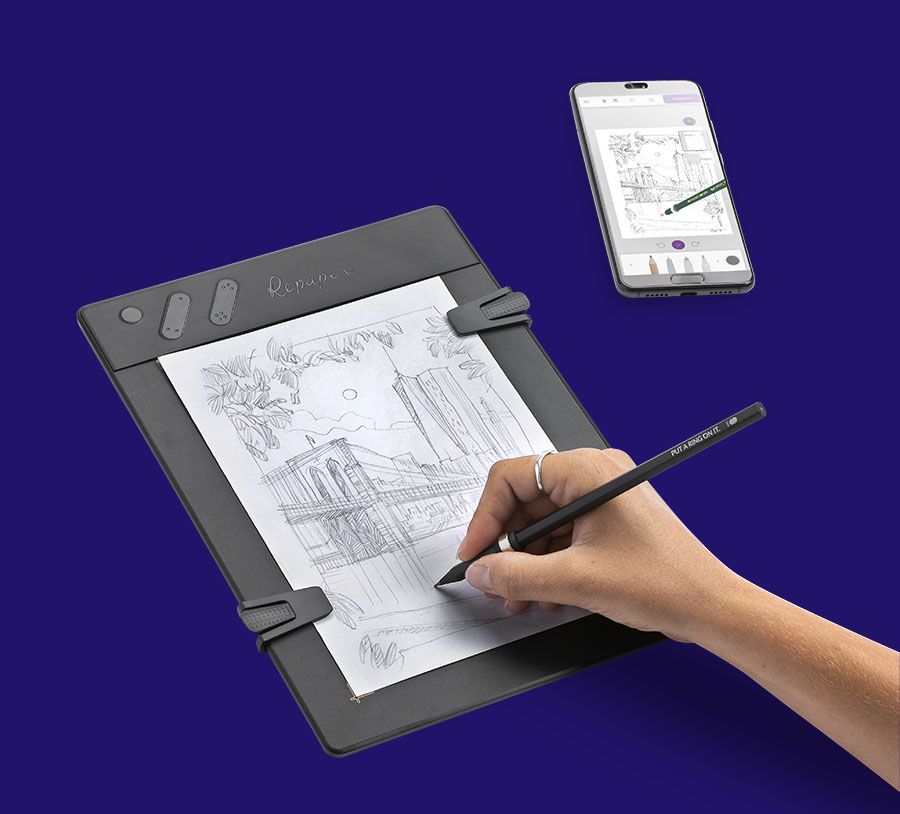
“You can use any pencil by attaching this little item (Repaper Ring) to the end of it or you can use the pen (Repaper Stylus) that comes with it and then you don't need the paper.”

To no longer
decide whether
to go paper and pencil,
or digital.
Slip Repaper Ring on your favorite pencil.
Attach any sheet of paper to Repaper.
Start drawing, and let the magic happen.
With your pencil
Whether an old pen, a chewed-up pencil or your best mechanical pencil, slip Repaper Ring on it. Your pencil is ready to be used with the Repaper drawing tablet.


And your papers
Draw, pencil, sketch just like you always have. The paper could be rice paper, Bristol board, kraft... Simply attach a single sheet of A5 paper on Repaper (8.5 x 5.5 inches half letter size, up to 180 g/m² or 110.5 lb).


Draw as you like

Paper and pencil without a display
Draw anywhere & anytime you want, your creations are automatically saved!

Paper and pencil with a display
Your drawings in real time on screen.

With your favorite software
With Repaper Stylus, create with your favorite applications.
Compatible softwares





Repaper Studio brings your inspirations to life
With the Repaper Studio application, manage layers and drawing tools, import images, export your drawings and videos, share on social networks, …
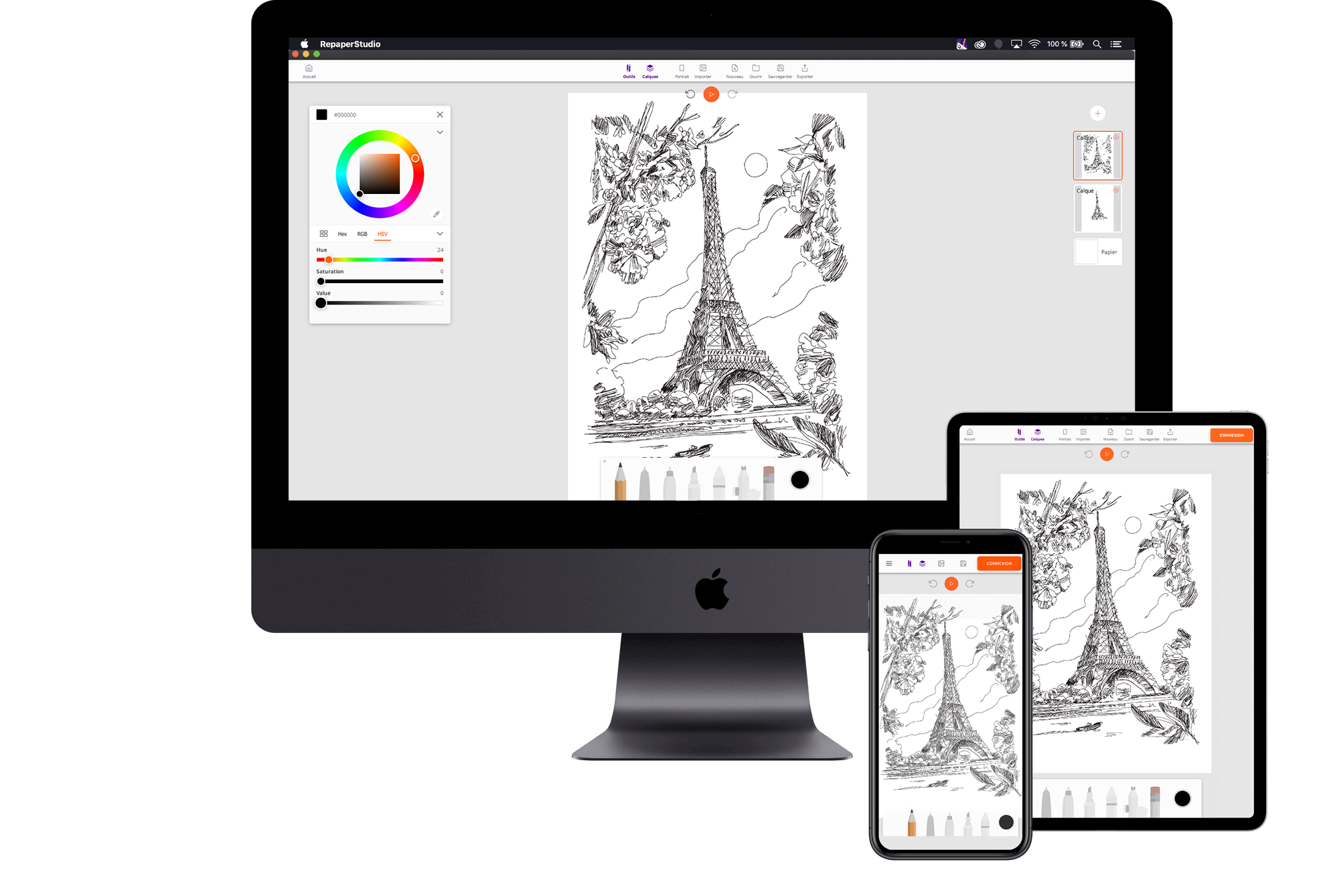
Feature list


Your drawings as videos,
it's magic!
Thanks to the "replay" function, record, view, export and share the videos of your drawings with your colleagues and friends on social networks!



Work wonders with ease
⭐ ⭐ ⭐ ⭐ ⭐ 4,6/5
Meet the Repaper fans


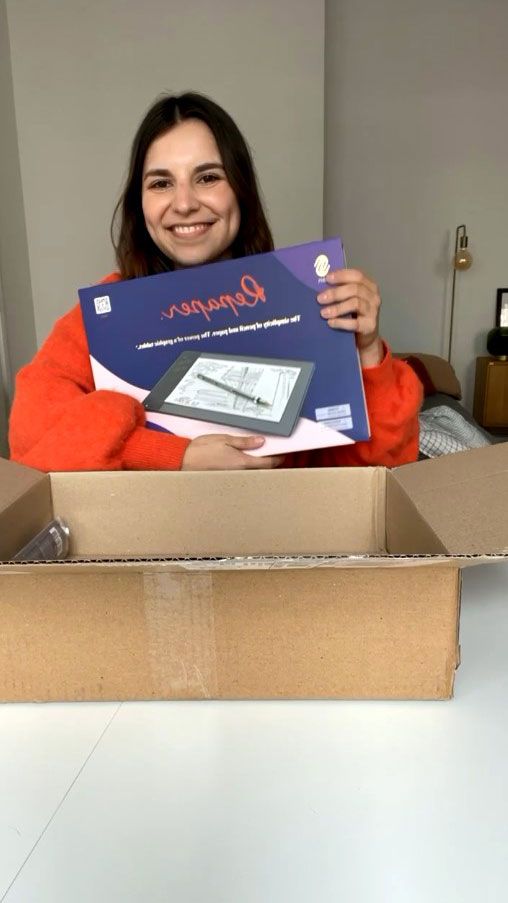


They talk about us


Our partners


Domestika is a learning community for creative minds where experts and professionals share their knowledge and skills through professionally produced online courses. The courses cover areas such as illustration, photography and DIY. Domestika's international creative community includes over 9 million enthusiasts who want to learn new creative skills.


The Museum of Modern Art, or MoMA, is a museum of modern and contemporary art located in Midtown Manhattan, New York. It is among the largest, most important and most influential modern art museums in the world. Offering the most cutting-edge tech products to enhance everyday life, MoMA Design Store has been the exclusive distributor of iskn products in New York and Hong Kong since 2016.


Mango is a French publisher of practical books, written and illustrated by professionals who put their knowledge, technical or theoretical, within everyone's reach. In September 2020, Mango launches 3 new books based on "365 jours de dessin" and "Le dessin facile", Lise Herzog's best-seller. Thanks to the Repaper tablet and its time-lapse video feature, each model is broken down into steps, entirely redrawn before our eyes, from the sketch to the finalized drawing.
Repaper community
Many artists have decided to join our community. Discover their creations and their worlds!


All the questions
you may have!
SPECIFICATIONS & USE
Why use a drawing tablet?
The use of a graphics tablet has now become essential for computer drawing, illustration, graphic design or photo editing. Indeed, it brings ergonomics, comfort of use and fluidity of movement that digital drawing enthusiasts, as well as professionals, require for the creation of their digital works. With the use of the graphic tablet, composed of a touch tablet and a stylus, and after a time of adaptation, you will finally be able to draw quickly, with natural movements, far from the imprecision of a mouse or a laptop trackpad.
What type of graphics / drawing tablet should I choose?
With so many models of graphics tablets to choose from, and depending on your budget, buying a tablet can seem complicated, especially if you're a beginner in digital drawing and discovering this new world. There are three main categories of graphics tablets, each with a wide range of brands and models:
The graphic tablet without screen: The most accessible with an attractive quality/price ratio for beginners. This tablet is the most affordable entry-level and mid-range solution to discover the world of computer drawing. Its portable size and integrated battery are significant advantages for those who wish to draw or train outside or while traveling. After a time of adaptation compared to traditional drawing since this type of equipment requires to look at the computer display to see what one draws, you can quickly begin to draw your most beautiful works in a simple and inventive way thanks to the options offered by computer drawing.
The graphics tablet with HD screen: With its integrated high-resolution screen, this kind of high-end graphics tablet provides instant visual feedback at the hand level, while being able to directly use drawing software tools. This type of tablet does have its drawbacks, however. Except for design or graphic professionals, its price-performance ratio is not optimal for most users, from the beginner wishing to discover the graphic tablets, to the occasional user for whom drawing with a computer remains a hobby, or for professionals whose use of a graphic tablet remains episodic. Moreover, its connection to the mains does not allow it to be used on the go.
The scanner tablet: This type of graphics tablet, still little known to the general public, really bridges the gap between the world of traditional drawing and digital. The scanner tablet allows you to put a sheet of paper on the active surface of the tablet, and, while drawing with your favorite pencil, your drawing is reproduced in real time on the software. This makes it the best tablet, with the best quality/price ratio, for the experienced drawer who wants to distribute or edit artworks digitally, while keeping the grip and the sensations of drawing on paper, without investing in an expensive tablet with a display.
Regardless of the type of tablet, there is no "ideal" size. However, the recommended size is A4 (8.5 x 11 inches) or A5 (5.8 x 8.3 inches). This is the format that is most commonly found on the market. But there is also a size that corresponds to an A6 sheet (4.1 x 5.8 inches) and even an A7 sheet (2.9 x 4.1 inches). It is up to you to pick the size of your tablet, depending on your preferences when it comes to the size of the drawing area.
What are the advantages of the Repaper drawing tablet?
When buying an ISKN Repaper tablet, you're getting the perfect combination of conventional drawing and dedicated digital drawing software to save your sketches. Unlike other models, with this graphic tablet, you won't need time to adjust your hand-eye coordination between the drawing area and your computer display.
Work directly on your sketch on paper, and it will be displayed directly and with great precision on the drawing software, thanks to the magnetic ring affixed to your traditional pencil. Since you will be using your usual drawing tools (pencil, pen...), you will no longer be afraid of losing or damaging your digital stylus, which are often expensive and sometimes less ergonomic than your traditional tools. Then export your drawings in JPG, PNG, PSD (resolution: 300 ppi / lpi), SVG (vector) or MP4 (video) formats and share them instantly with your friends.
You can also configure multiple customizable and programmable shortcuts using the keys on the graphic tablet's frame. With all the advantages of a graphic tablet without a display, but still with the feel of pencil drawing, the Repaper graphic tablet is the ideal tool for beginners and experienced designers who want to go digital.
What technology does the Repaper Graphics Tablet use?
Pressure detection and sensitivity levels, with its Multi-Pixel Pressure Sensitivity technology and its 8,192 pressure levels, allow you to faithfully reproduce on screen the pressure exerted by the pencil on paper. Adjust the graphic sensitivity and vary the intensity and thickness of your strokes by modulating the pressure applied by your pencil on the Repaper drawing surface. Thanks to the magnetometers that track the Repaper Ring slid onto your pencil, the tablet knows the position and tilt of your writing tool above paper.
Operating as a "real time digitizer", the ISKN Repaper offers you the possibility to instantly transfer your paper drawings to your software. The Repaper graphics tablet also features a rechargeable battery (USB-B), which can last up to 6 hours, a 4 MB built-in memory and a Micro SD memory card reader that can accommodate up to 32 GB.
How to use a graphics tablet for the first time?
Once you've plugged your tablet into your computer and connected it to your digital drawing software, make sure it's as ergonomic as possible. Organize your work plan and program every useful shortcut on your tablet's buttons. This will enable you to work faster and more efficiently. Then practice handling the pen, discover the tools and features offered by your drawing software, and experience the new sensations of the graphic palette for digital drawing. With a scanner tablet like the Repaper, you'll find it easier to get your bearings, as drawing is done directly on paper, and transmitted in real time to your computer. So you'll be able to get started with digital drawing more quickly than with a simple tablet without a screen.
Can we project the tablet in a conference (Zoom, Teams, Meet...)?
The ISKN Repaper tablet is compatible with all popular video conferencing applications, whether Zoom, Teams, Skype... Chat with your colleagues, and share your handwriting instantly to express your ideas in full in a smooth and easy way. With Repaper, work with software like Powerpoint or Google Slides, and annotate your presentations in real time.
What advantages does the graphic tablet bring to remote collaborative work?
Remote presentations can be boring and unattractive if static. Make your presentations dynamic by integrating live annotations and capture your audience's attention thanks to the compatibility of your Repaper graphics tablet with all major remote working applications. Prepare your speeches in advance, record the creation of your sketches via the Repaper Studio application video export function, and showcase animated videos during your conferences. The graphics tablet is the perfect tool for getting your ideas across, and the ISKN Repaper is without a doubt one of the most intuitive graphics tablets because it allows you to put all of your findings and explanations on paper while broadcasting them in real time.
USING REPAPER
How to learn drawing with the Repaper graphics tablet?
The ISKN Repaper is what we call a scanner tablet. Perfect for beginners in digital drawing, it offers you the possibility to draw directly on a sheet of paper, by placing it on the work surface, sensitive to the pressure level exerted by your favorite pencil. The magnetic ring installed on your drawing tools and the pressure sensors of the tablet, faithfully reproduce what you draw on your work area. Thus, no need for adjustment time. The graphic designer who is used to work on paper will be able to keep his/her habits to make sketches directly on the computer.
To carry out retouching on software, the Repaper can be used like any other graphic tablet without a display. You will need to equip yourself with a digital stylus like the Repaper Stylus, practice working on the graphics board, and discover all the options offered by your graphics software, while keeping your eye on the computer screen.
How to use the Repaper tablet without a computer?
Unlike most graphics tablets, which can only be used as peripherals via laptops or desktop computers, the ISKN Repaper graphics tablet, thanks to its Repaper Studio application and its wireless Bluetooth connection, allows you to work anywhere and anytime you want, just with a smartphone or a digital tablet with a touch screen. Compatible with smartphones, iPhones, iPads or the most common Android tablets (Samsung Galaxy Tablet, Microsoft Surface Pro,...), connect your tablet to the application, and start drawing as you would on a computer. Thanks to its rechargeable battery with 6 hours autonomy, you will have time to make your most beautiful creations away from home.
SPECIFICATIONS & COMPATIBILITIES
What are the software compatible with Repaper?
Repaper is compatible with all third-party software and applications (Windows and macOS) that work with a graphics tablet: drawing & animation software, text & PDF editors, presentation software, online collaboration platforms, video conferencing systems, etc.
What is the required minimum computer configuration (PC, Mac)?
To connect Repaper to Repaper Studio for Computer, on Windows PC or Mac OS, make sure you have the minimum required updates for your operating system:
- Windows 10 or higher (latest service pack or version).
- MacOS 10.12 or higher (latest update).
Also make sure you have the minimum requirements:
- A USB-B port on your device (USB-B cable is included).
- Internet access (to download the application).
You may also have the additional recommendations:
- 4GB minimum of RAM or/and a processor suitable for graphics creation (Core I3 or higher) to have a good level of comfort.
- A dedicated graphics card to optimize your use (but also works with integrated graphics cards).
With the Repaper, you have in addition :
- A slot for a Micro SD card compatible with micro SD cards with up to 32 GB of storage space (SD card not included).
What is the minimum smartphone configuration (Iphone/Android)?
In order to connect the Repaper Studio app for Android or Apple tablet, or Android or iOS smartphone, please make sure to stick to the minimum specifications:
iOS 11 minimum.
Android 7.0 minimum.
Wireless connection BLE 4.0 + Bluetooth® Low Energy 4.0.
Is the graphic tablet is compatible with any type of pencil and paper?
With the Repaper Ring magnetic ring, use your favorite pencils, from the most basic to the most beautiful pencil in your collection.
Repaper Ring comes in two sizes:
Size S (supplied with the tablet) compatible with drawing tools up to 7.3 mm (0.28 inch) in diameter.
Size M (with the Repaper Ring pack on our website) compatible with drawing tools up to 8.1 mm (0.31 inch) in diameter.
For drawing, you can use any type of A5 paper (up to 180 gsm).
OTHER
How long does it take to become a good designer?
Not everyone progresses at the same pace. The only certainty is that the more you draw, the faster you will progress. Draw regularly, and every day if possible, to work on your drawing skills and progress efficiently. Don't try to push details to perfection when you first start. Trying to skip steps will only slow you down in your learning process. Progress at your own pace and be aware of what you are doing, becoming a good draftsman requires above all consistency and hard work, and in a few weeks/months, you will see your progress materialize before your eyes.
What are the advantages of the Repaper graphics tablet in distance learning?
Answer unexpected questions, grade papers live, or explain a concept with graphics and illustrations... With the Repaper graphics tablet, replace your whiteboard in your remote classes. You will keep the spontaneity of teaching in a classroom, during your classes in video conference on dedicated applications. It will be easy for you, whatever the subject taught (math, economics, ...), to share, without latency, your handwriting, while keeping the direct hand-eye coordination. The Repaper graphic tablet is compatible with all the most popular applications: Google Jamboard, Microsoft Whiteboard, Zoom Whiteboard...
Resources

Comparison of the best graphics tablets.
When it comes to buying a drawing tablet that doesn't require hand-eye coordination, with the strokes taking shape directly in front of your eyes, as they would on a notebook or a conventional drawing pad, you can quickly get lost in front of the large number of devices available on the market.
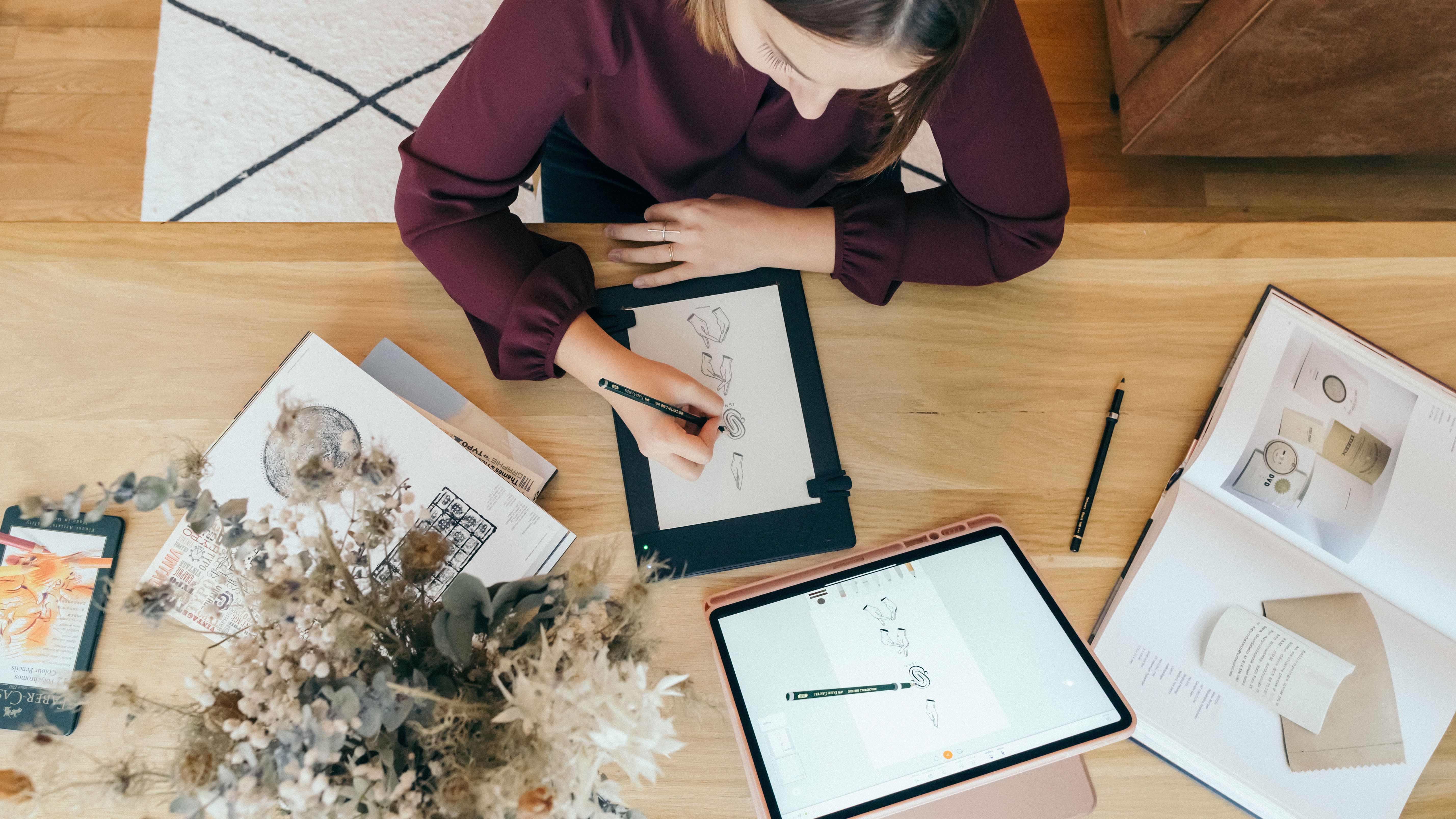
Graphics Tablet Tutorial: How to get started?
When you want to start making digital drawings or retouching images on a regular basis, there is an indispensable tool in the daily life of a draftsman, illustrator, graphic artist or designer: the graphic tablet

Paper tablet: what's the difference?
For many years now, the graphics tablet has become a part of the daily life of designers, graphic artists and other illustrators.
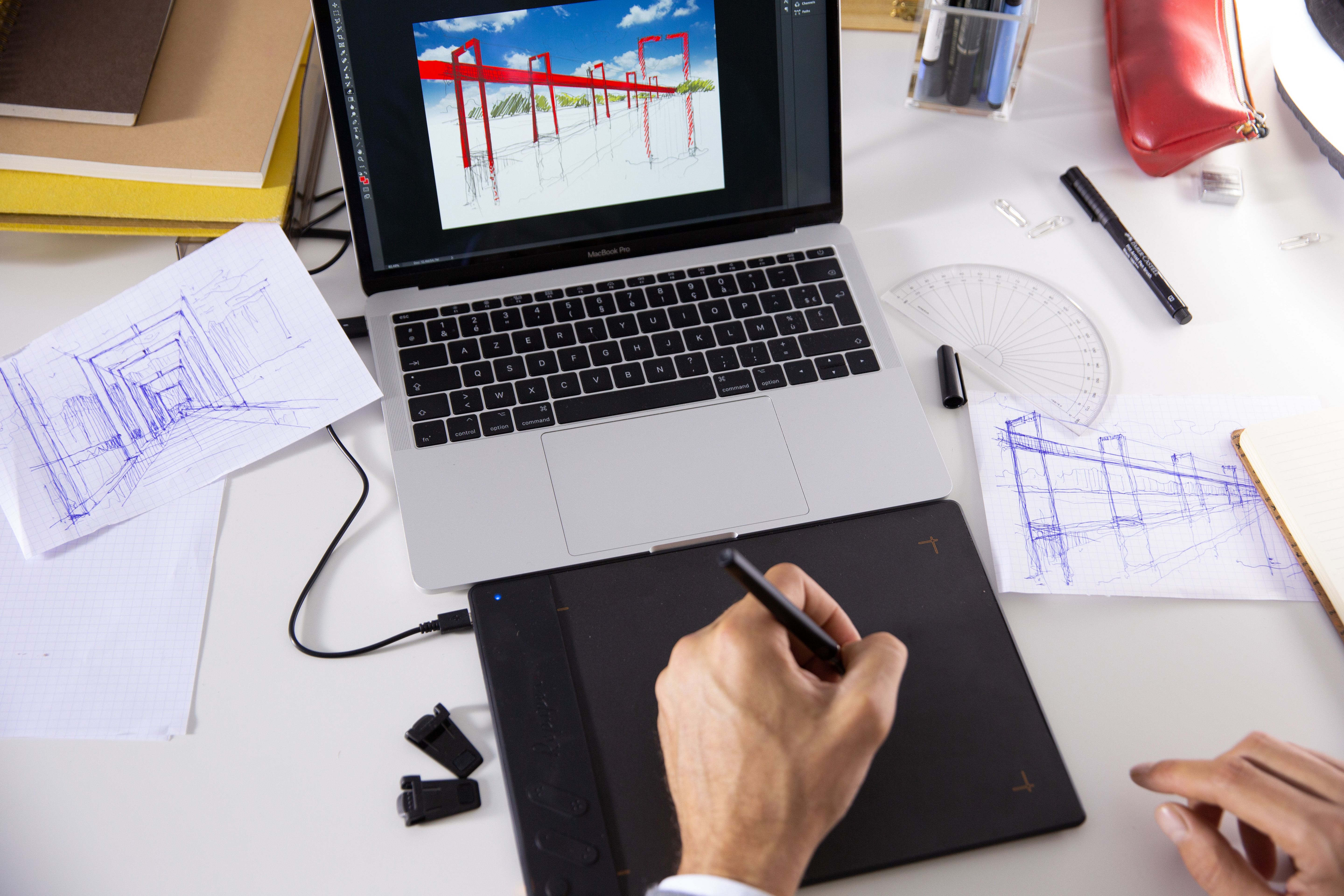
Drawing with a graphic tablet: tips and tricks.
Digital drawing allows many possibilities and the drawing tablet has become a must-have.
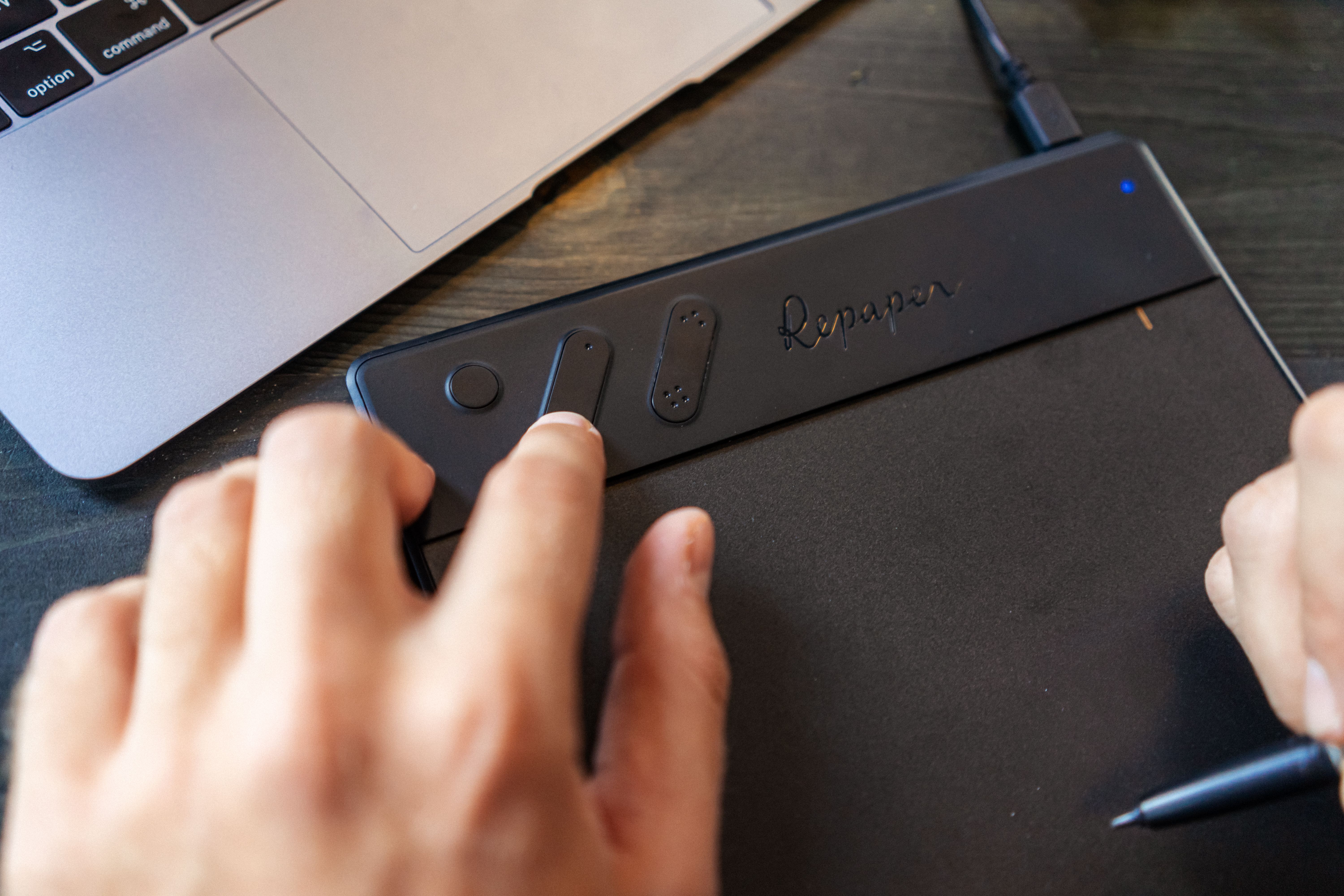
How does a graphic tablet work?
Discover the functioning of a graphic tablet, and the specificities between the different types of existing models.
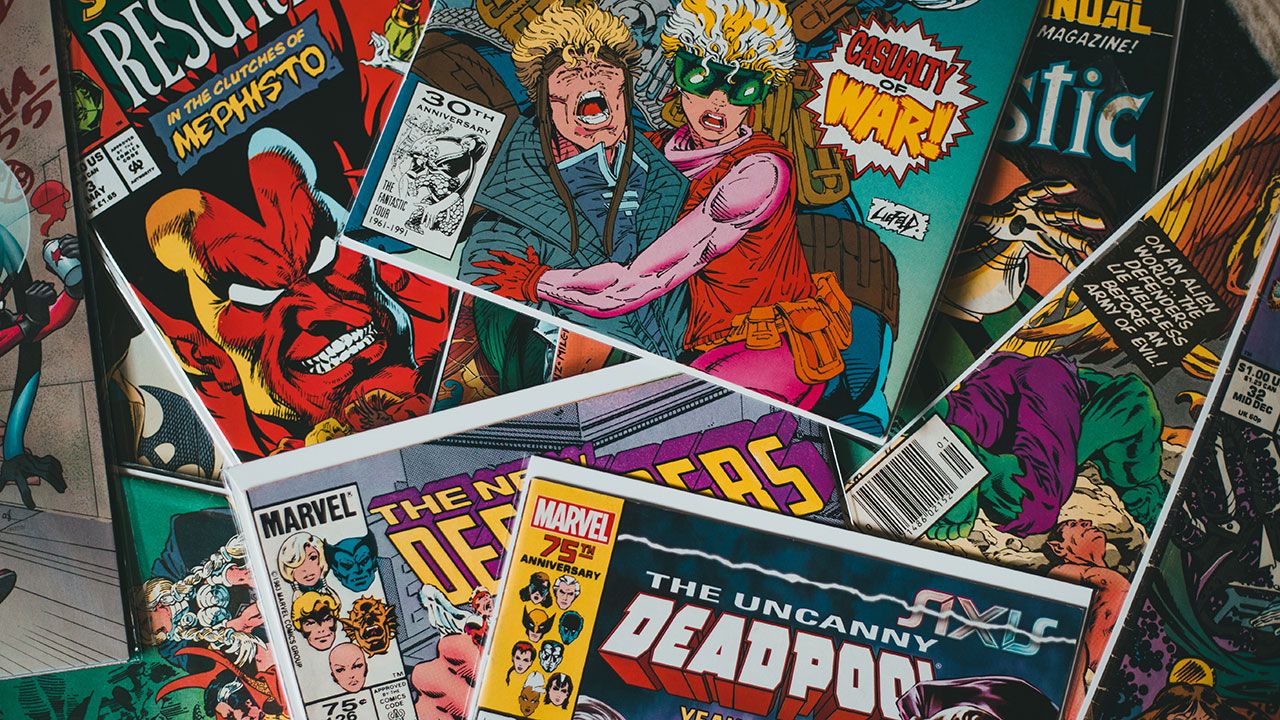
How to create a comic book with a graphics-tablet?
If the Americans have their comics and the Japanese their mangas, when talking about comics, we first think of the great French-Belgian comics

How to use a drawing tablet for video editing?
The drawing tablet is a great ally in video editing. Discover its advantages and how to use it efficiently!

Product design with a graphic tablet.
Design the most beautiful objects thanks to digital technology and the graphic tablet!
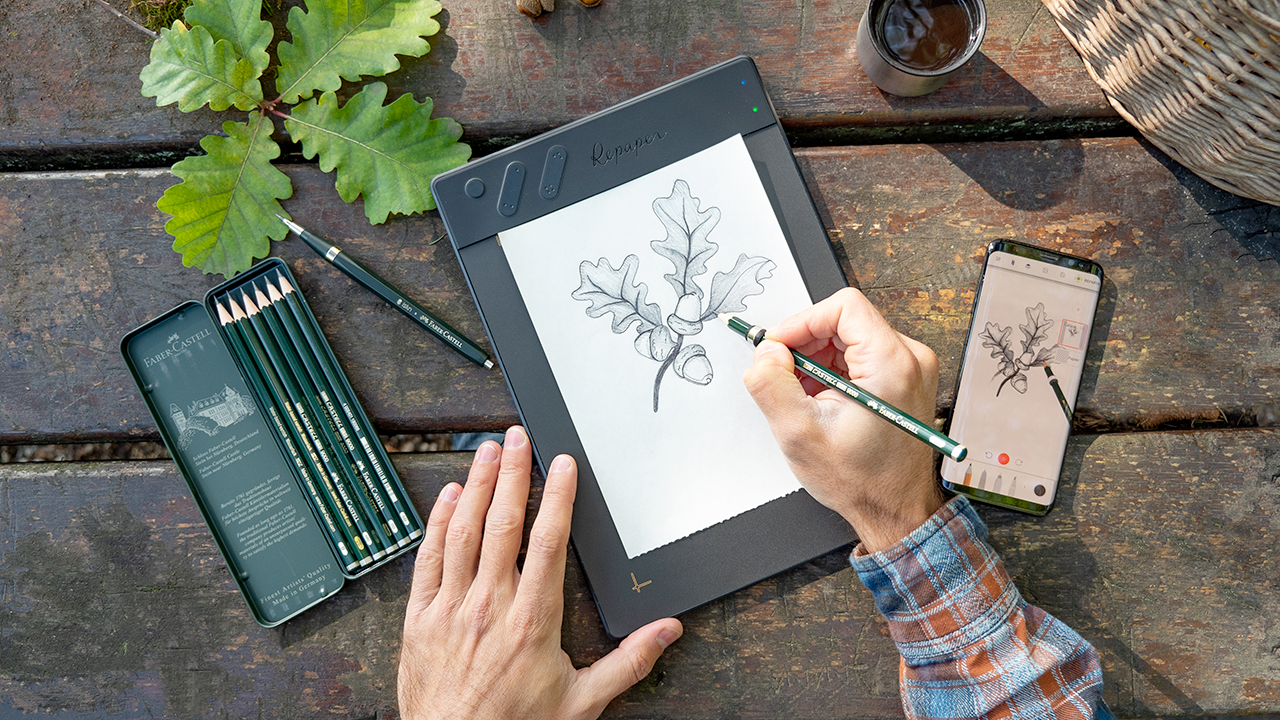
Learn to Draw with the Repaper Graphic Tablet
Drawing is an artistic activity enjoyed by many people. However, drawing can be challenging and often requires many hours of practice to achieve good results.
Newsletter
Keep up to date with iskn news and events.
Email tracking details in our Privacy Policy.